
Building a Scheduler
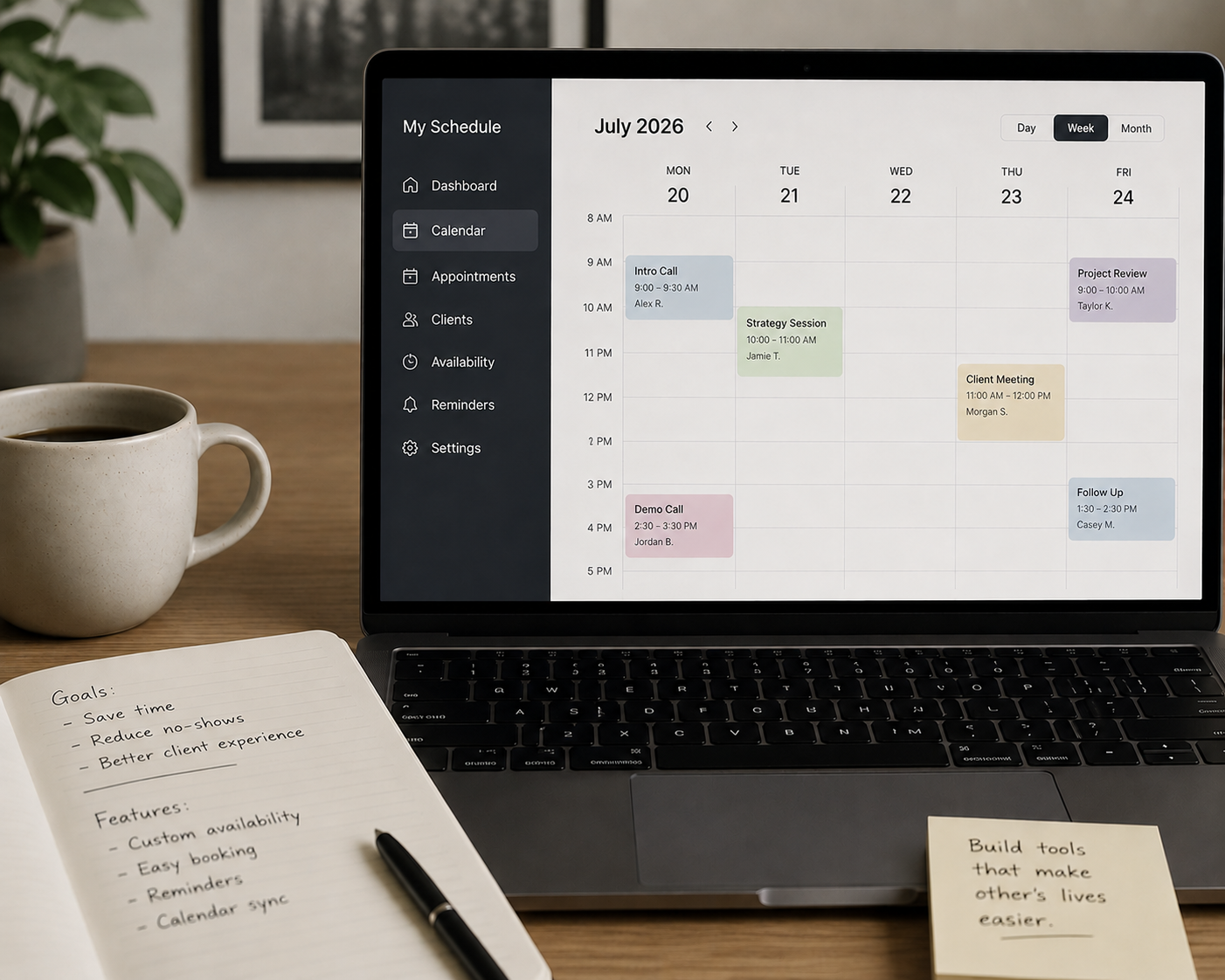
I have been wanting to build my own simple calendar tool and enjoyed knocking one out for myself over the weekend (shout out to Claude Code). I used to rely on publishers (like Calendly, Microsoft BookMe, Google Meet links, etc) for this capability, but now it can now be written to my specifications, deployed on my website, aligned with my branding, and then used for free without subscription fees. The summary prompt to get you started building your own is below. It is not as full featured as the professional tools, of course, but it works for me and might for you as well.
COPY THIS INTO YOUR FAVORITE AI CODING TOOL:
I want to build a scheduling app similar to Calendly that lives on my website and connects to my real Google Calendar. Here's what I need:
Visitors can book 30 or 60 minute meetings with me
The app reads my real availability from Google Calendar so no double bookings
It automatically generates a Google Meet link for each booking
Both me and the visitor receive a calendar invite with the Meet link
The booking form collects name, email, phone, timezone, and a discussion topic
It should match my brand (describe your colors, fonts, and style here)
It will be embedded on my website at (your URL here) via an iframe code block
The tech stack should be:
A Cloudflare Worker as the secure backend (handles Google OAuth and Calendar API calls)
A single HTML file as the frontend hosted on Cloudflare Pages
Google OAuth 2.0 for calendar access with only freebusy and calendar.events scope
My website platform is (Squarespace / WordPress / Webflow / other)
My business hours are (e.g. 9am to 5pm Eastern, weekdays only).
The frontend must be fully mobile responsive. Specific requirements: single-column form fields on mobile, 2-column time slot grid on mobile instead of 3, tighter card padding on small screens, smaller header on mobile, and the stable Cloudflare Pages URL (not the deployment-specific prefix URL) should be used in the Squarespace iframe so it stays current across redeployments.
Please build this step by step, starting with the Google Cloud Console setup to get my OAuth credentials, then the backend Worker code, then the frontend with mobile breakpoints included from the start, then deployment instructions.